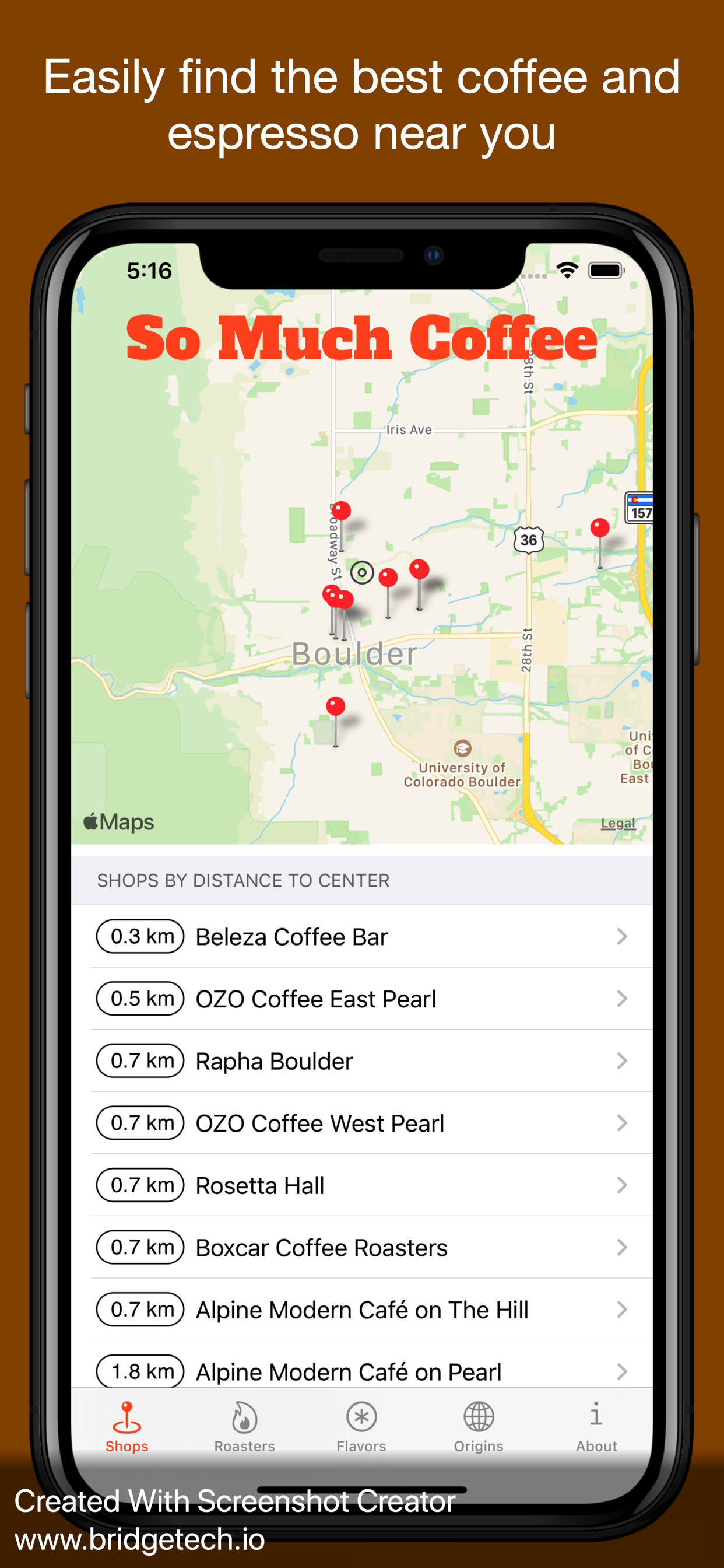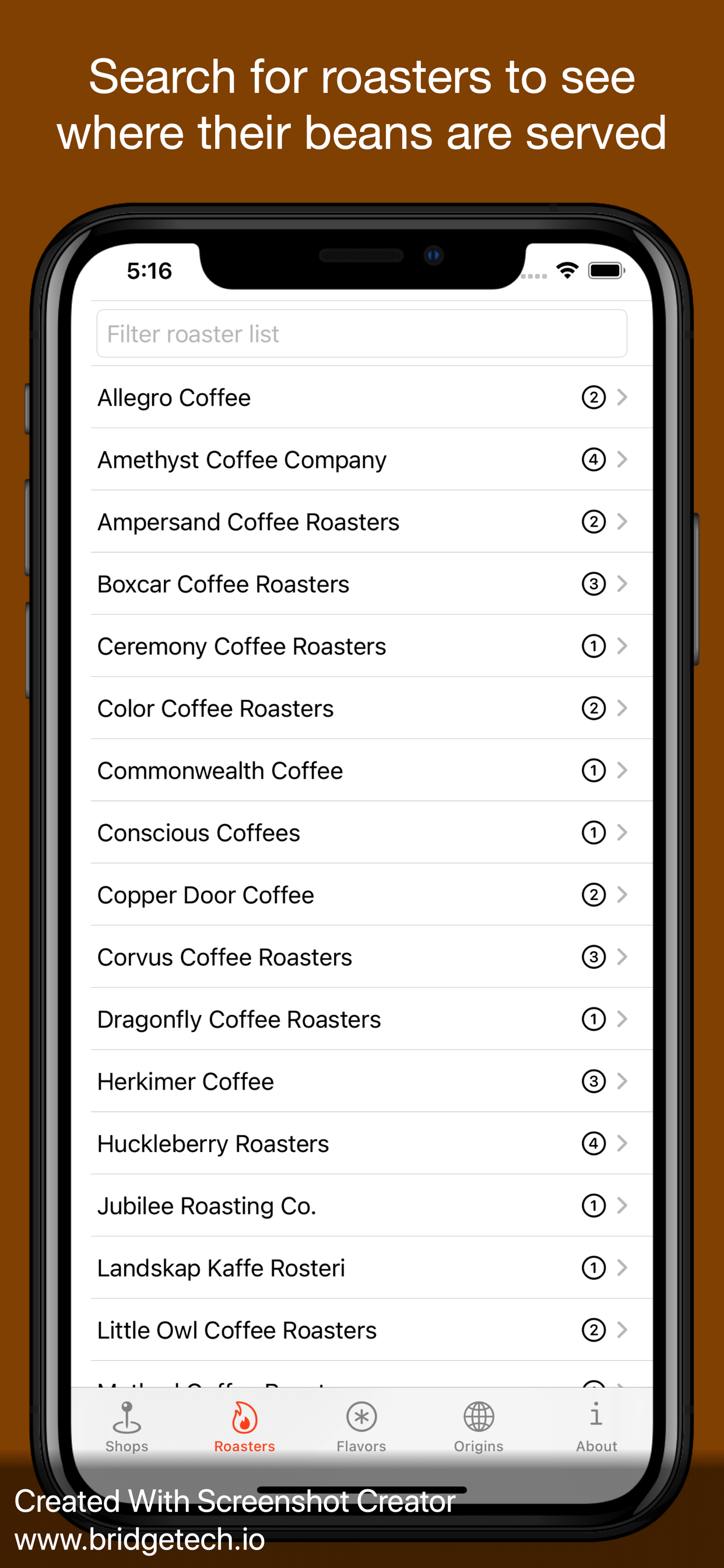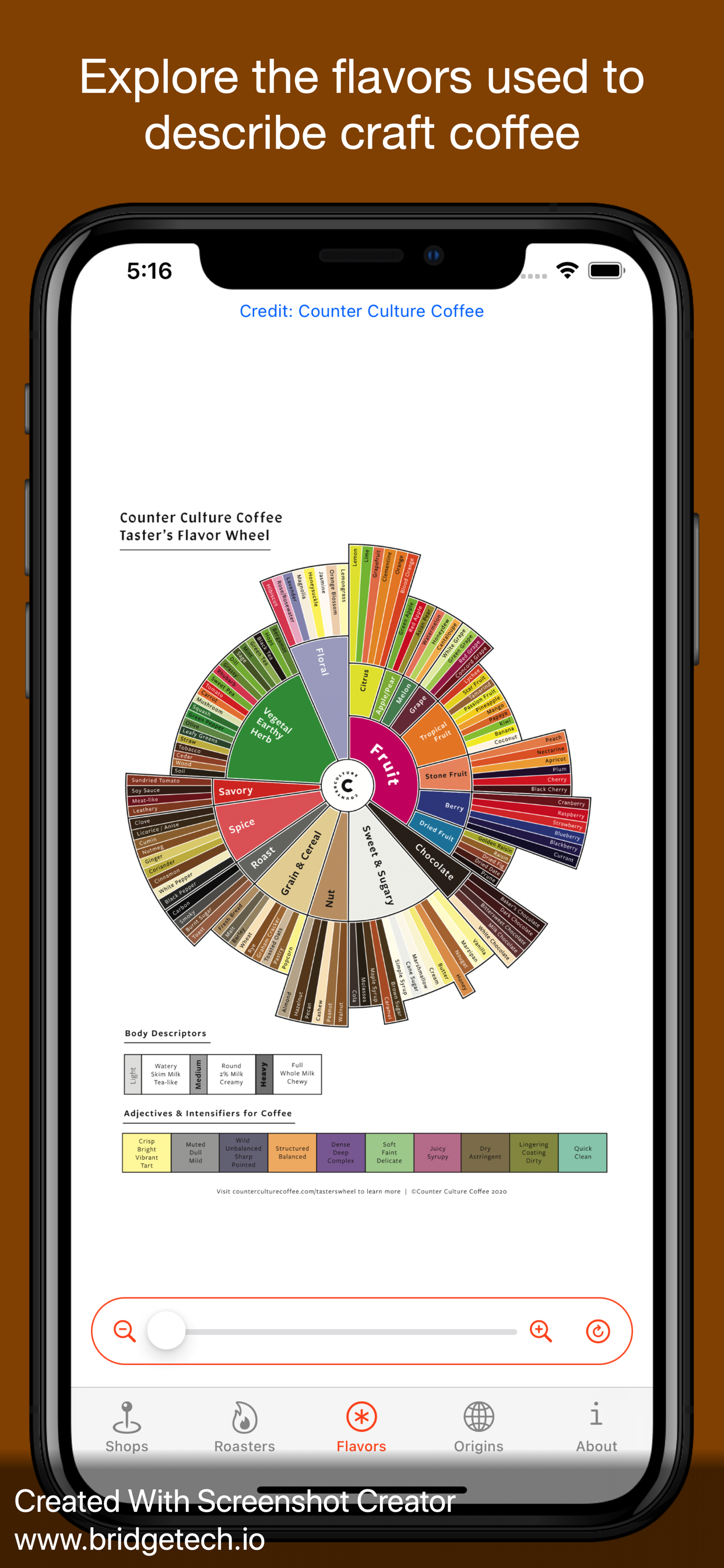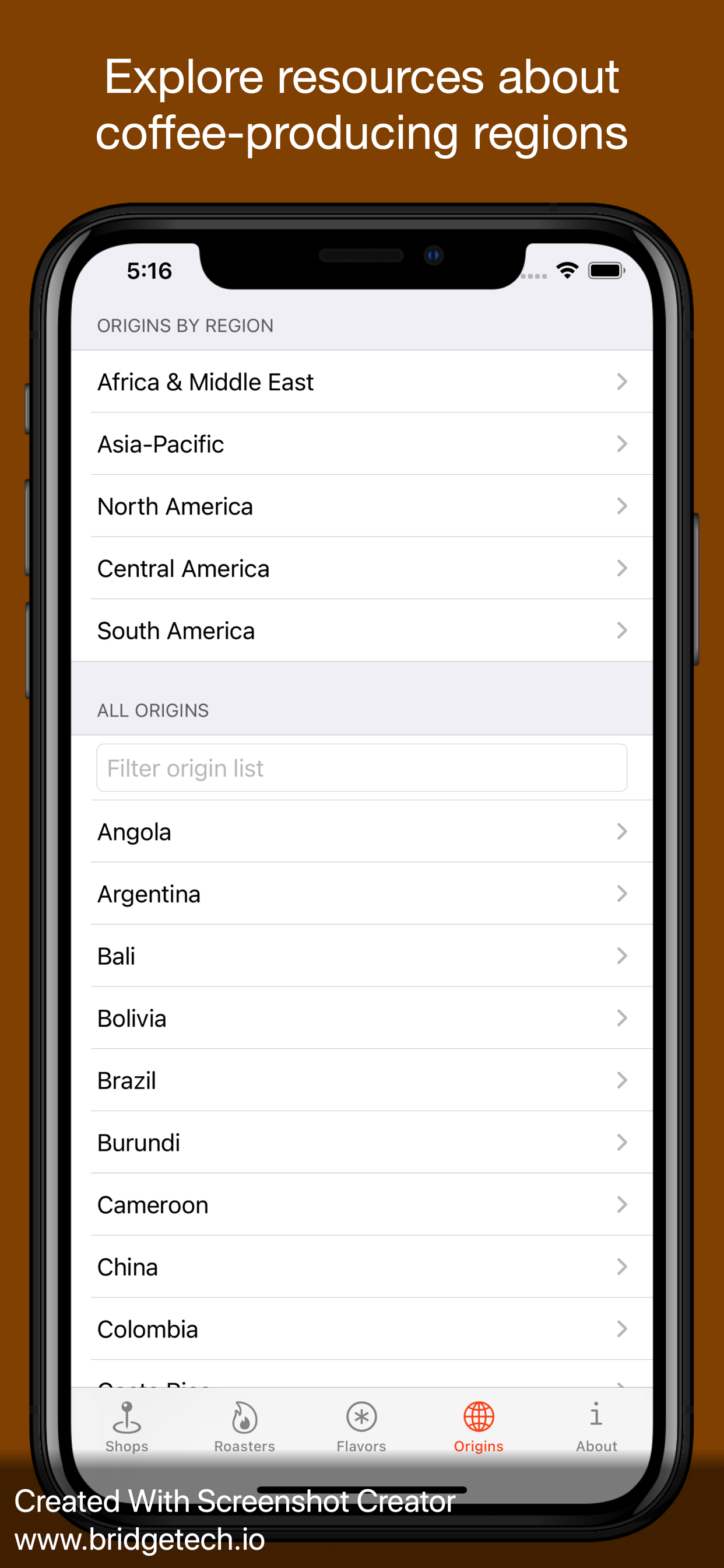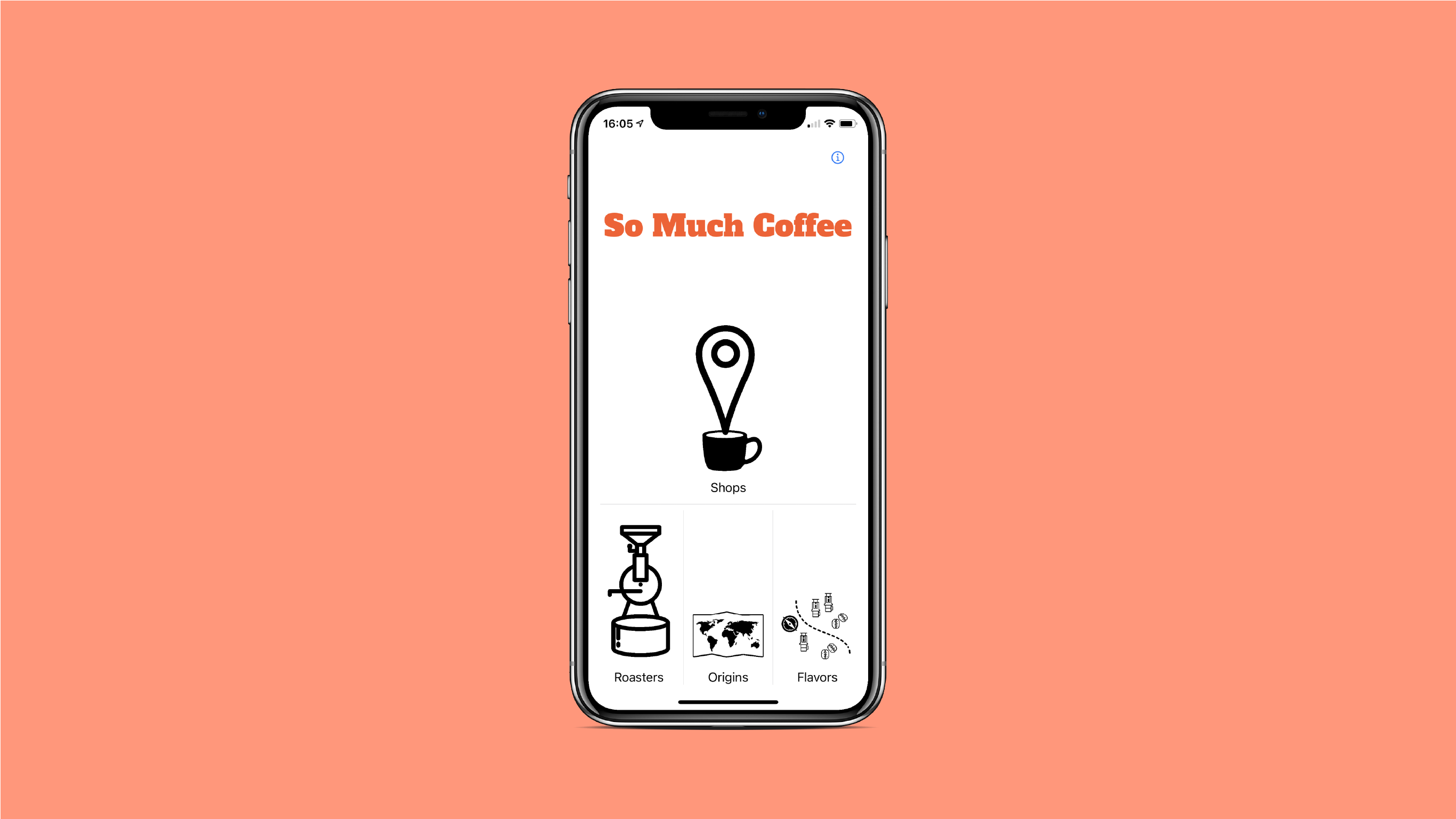
I believe there are no great tools to explore the world of coffee, so I set out to make my own. I took a product management approach to designing an app that lets users find the best coffee shops, discover roasters, and navigate roasts among other tasks. After a period of research, I developed this app for my thesis in Creative Technologies & Design.
Source code available on GitHub.
Role: Developer, Product Manager
Motivation & Background
As a big coffee fan, I believe that there are so many things to enjoy about coffee besides just the caffeine in each of those beans. I wanted to get more into coffee in many ways, but it can quickly get very complicated to answer basic questions. Questions like:
- Where is the closest coffee shop with great coffee?
- How can I improve the coffee I make at home?
- How do I explore the range of coffee flavors?
There is no map to explore the complex world of coffee, which is why I set out to use my technical background, a product management approach, user-centered design, and an eye for detail to make loving coffee more accessible.
Problem Validation
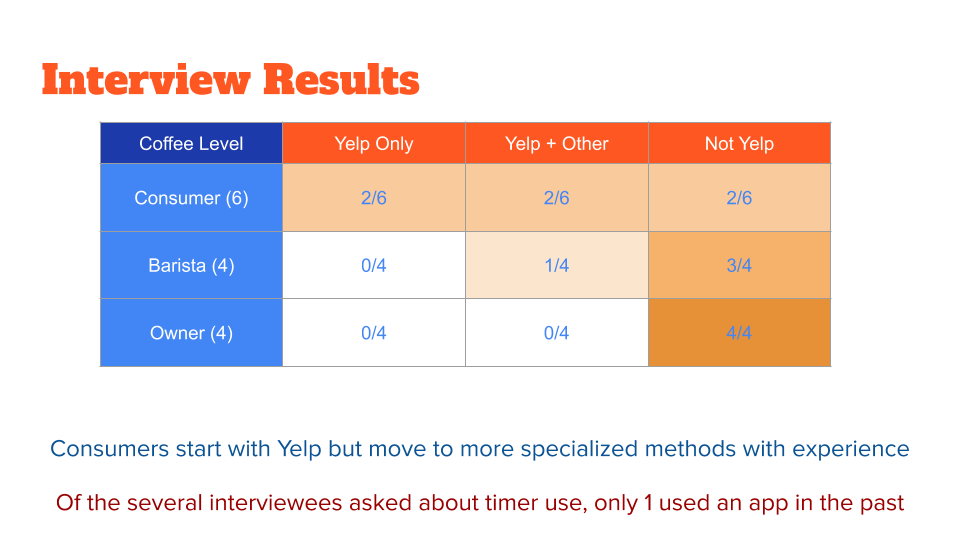
I wanted to solve many problems with my design, but I felt that a coffee timer and a shop directory would be the most achievable with my time and skills, as well as line up the best with what users were looking for. I found out through interviewing that almost everyone has their own way of finding a coffee shop, but I was almost the only person looking for a better coffee brewing timer. When I needed to narrow the scope of what I was building, I knew what to do.
Navigation & User Flow
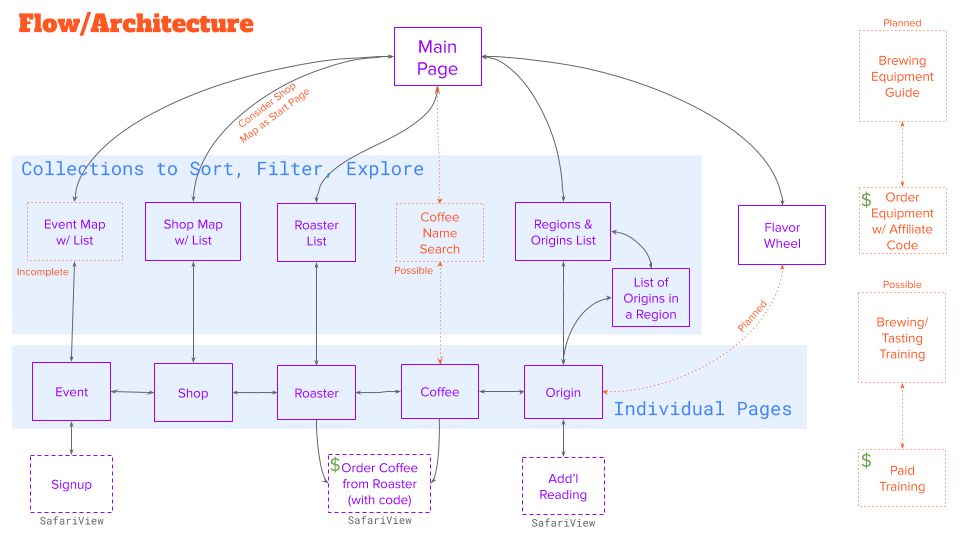
There can be as many entry points into the database as there are unique types of pages but some of these connections are still under development. Nonetheless, navigation between the different entities in the database allows for a long journey between shops, roasters, roasts, and origins.
App Store Screenshots