DeskDays
Don’t waste a good remote day.
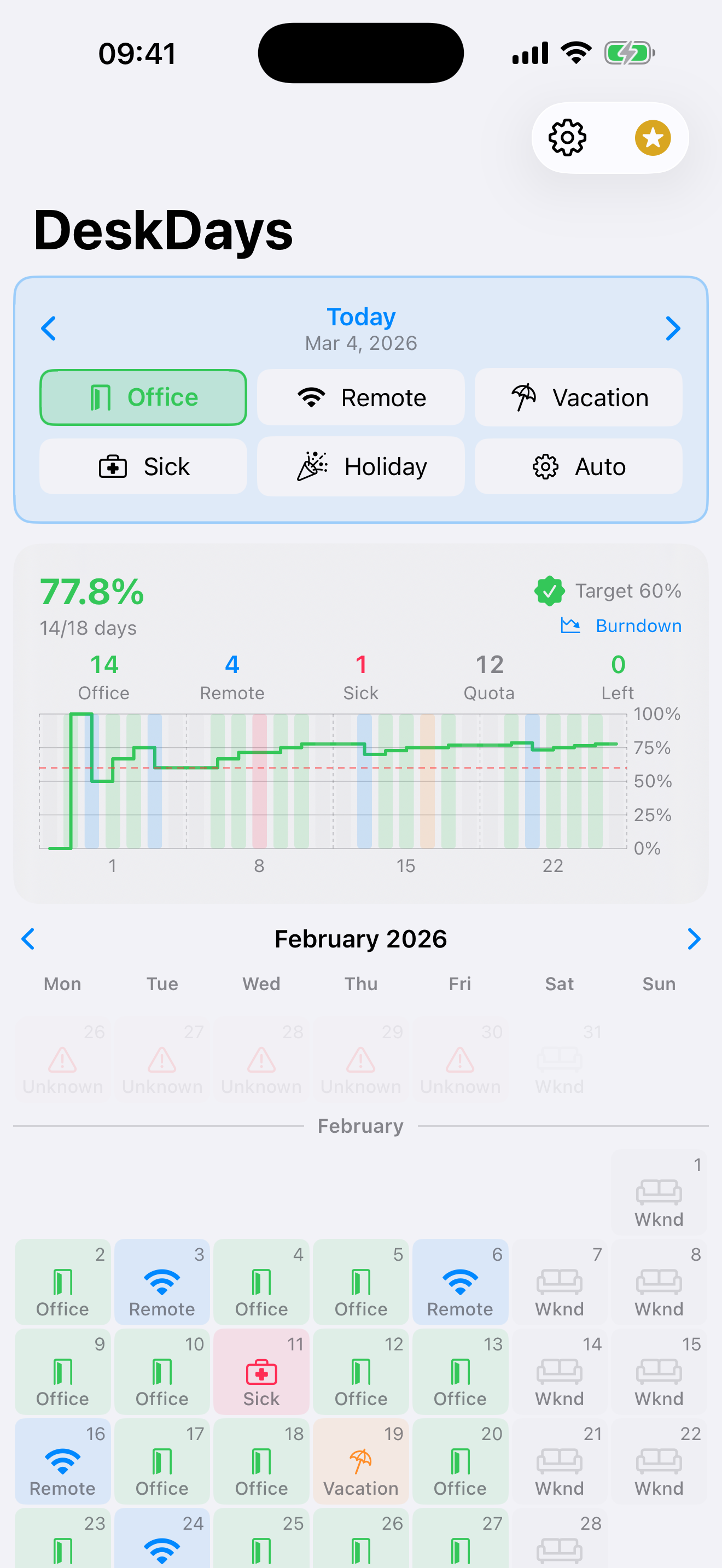
DeskDays helps hybrid workers answer the quiet mid-month question: am I good this month? Set your office-day target, mark each workday, and see whether you’re on pace before you spend another day commuting.
Office days are a budget. Spend them intentionally.
Your data stays on your device: no account, no employer integration, no server, no app analytics.

Know if you’re good for the month
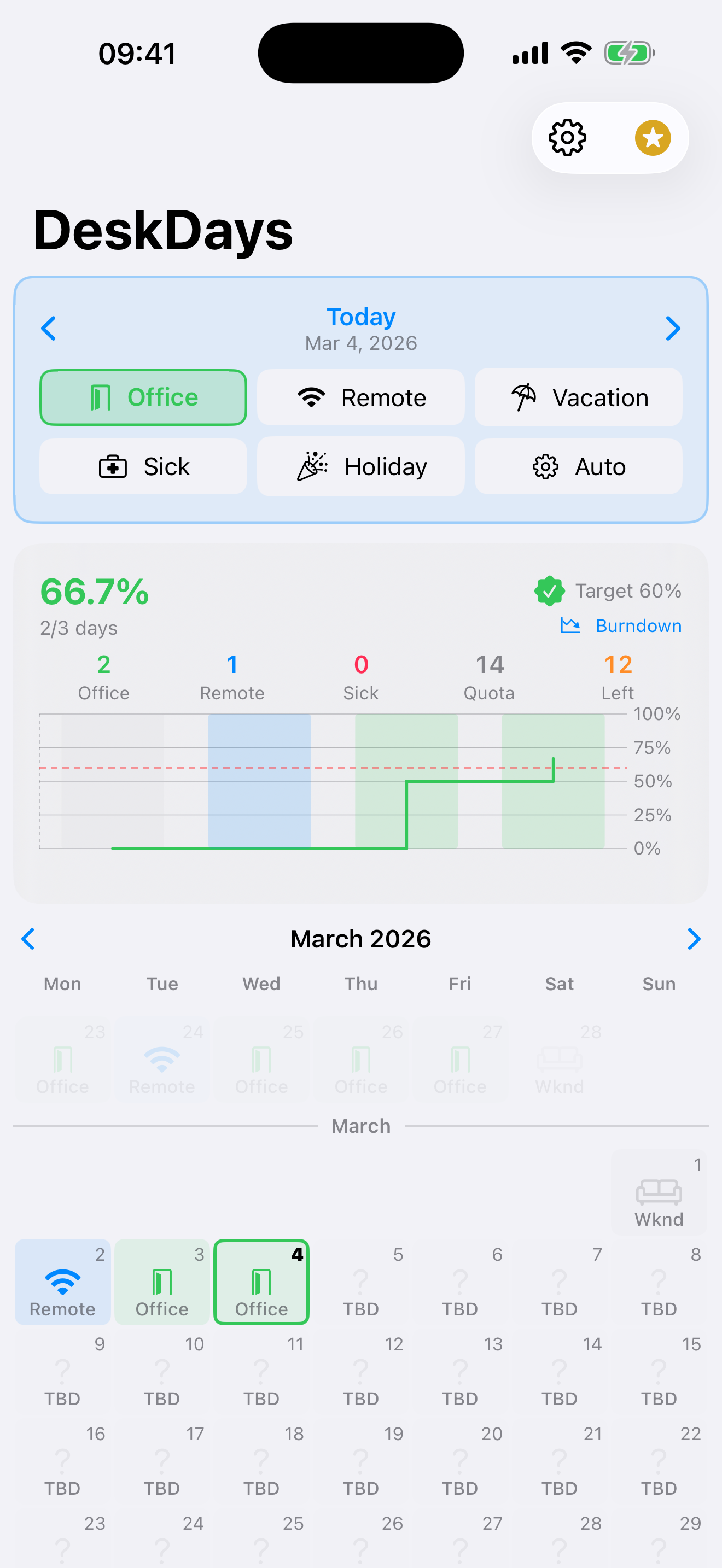
Mark each workday as Office, Remote, Sick, Vacation, or Holiday with a single tap. DeskDays shows whether you are ahead, behind, or right on pace for the period.
Keep the remote days you actually want
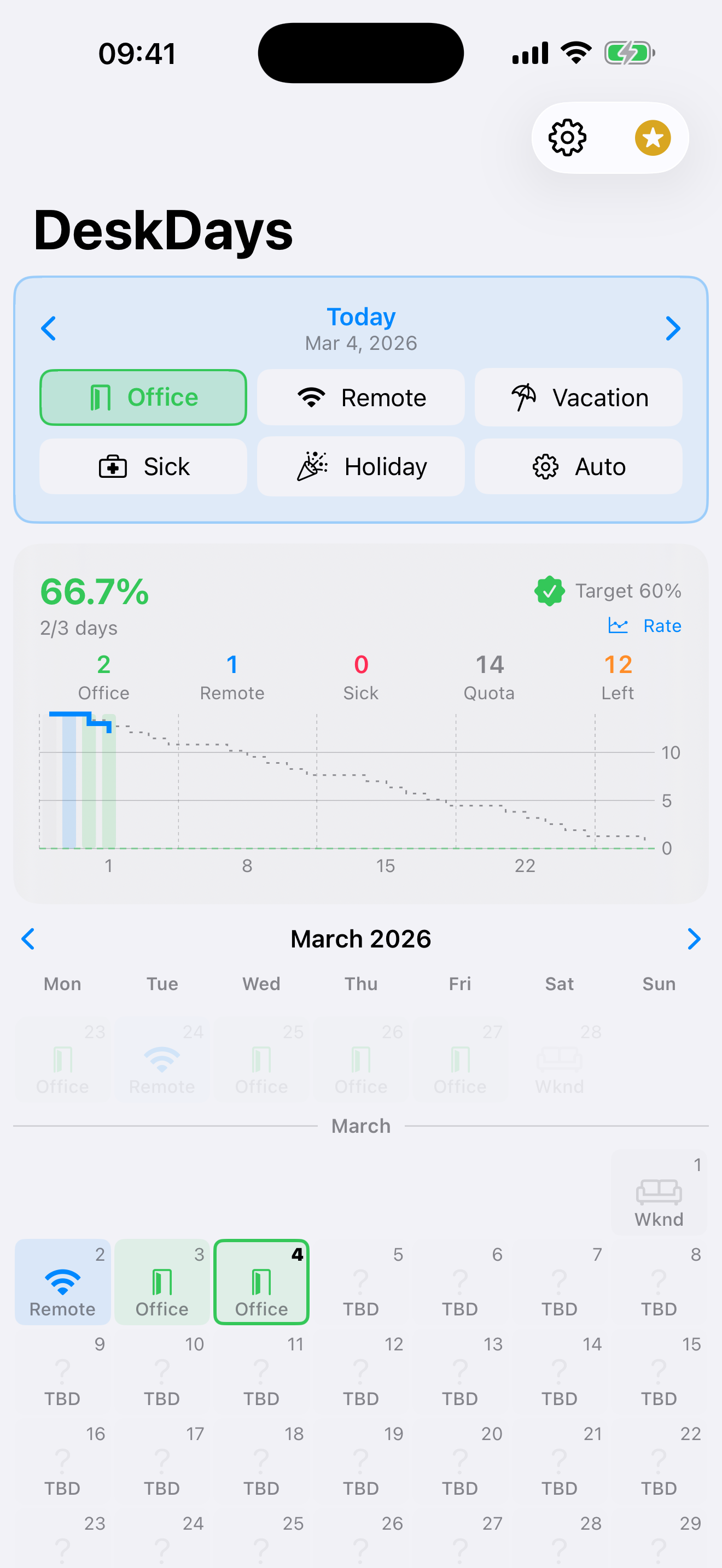
The burn-up chart tracks cumulative office days against your target, so you can see when you have room to stay home, focus, run errands, travel, or take the Friday you were hoping for.
Match your actual policy
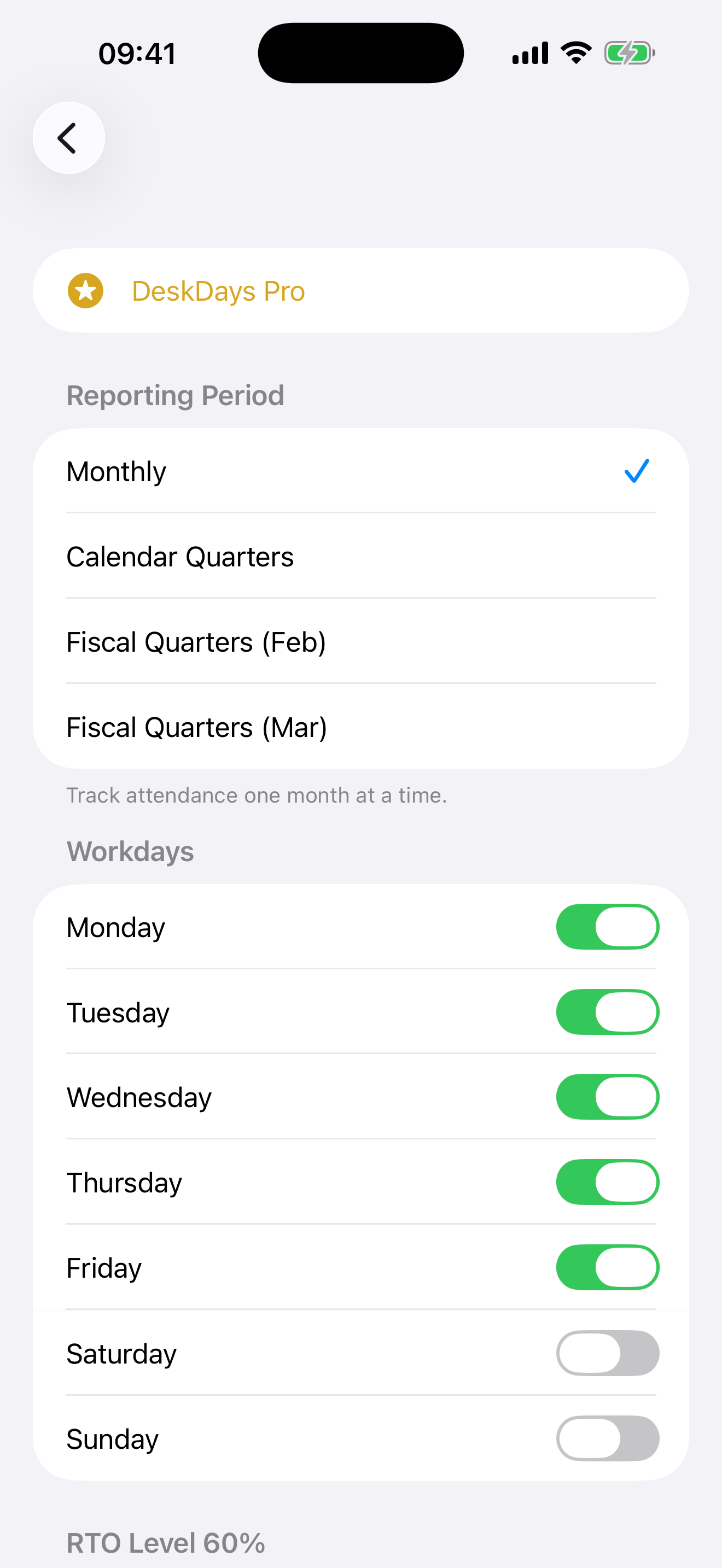
Set your target percentage, reporting period (monthly, calendar quarter, or fiscal quarter), workdays, and whether sick days count. DeskDays adapts to your company’s RTO rules, not the other way around.
Review past periods
Navigate between reporting periods to see exactly how you performed. Completed months and quarters show your final percentage against target, useful for your own records and peace of mind.
Optional Pro convenience
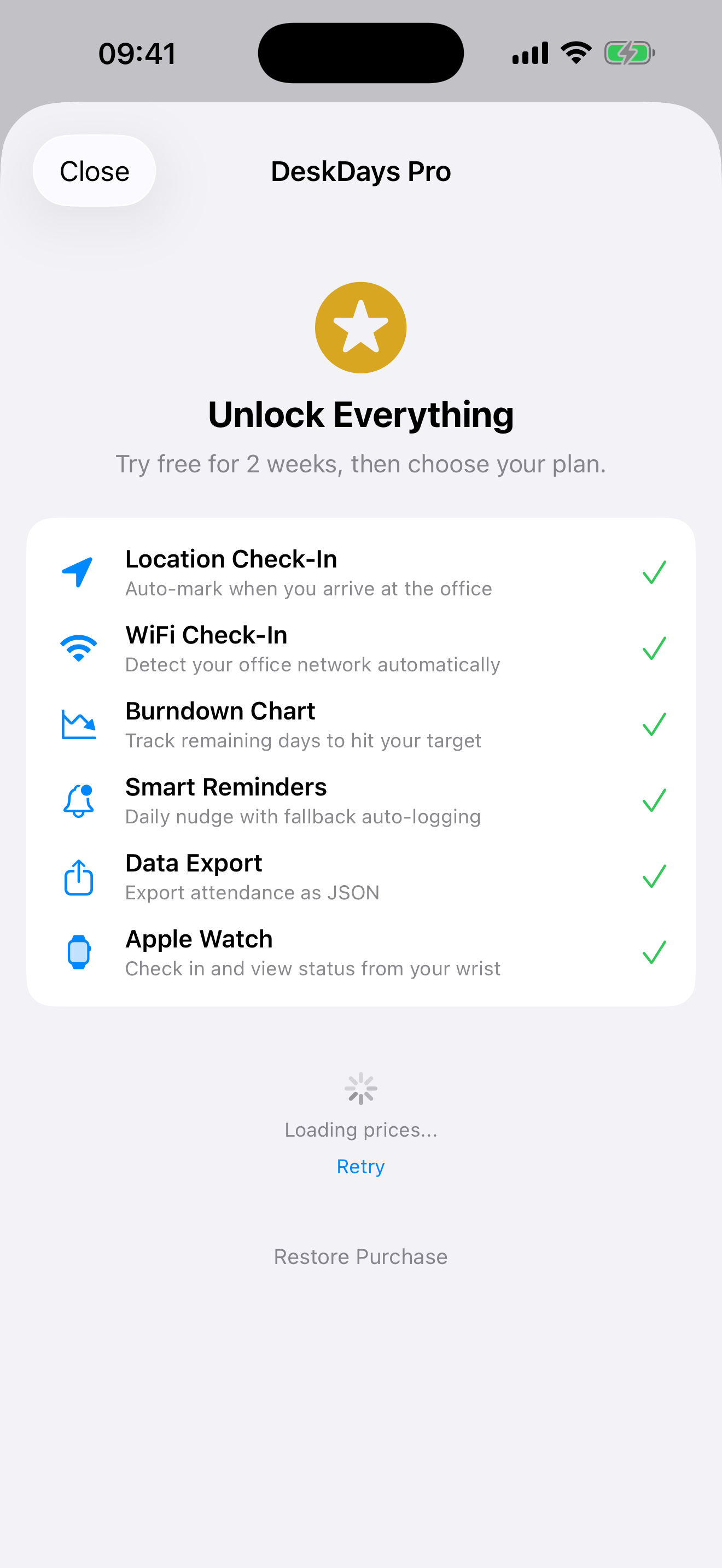
Monthly or yearly subscription with a 2-week free trial.
- Auto Check-In. Automatic office detection via WiFi network or geofence location. Works in the background.
- QR & NFC Check-In. Scan a QR code or tap an NFC tag to check in instantly.
- Smart Reminders. Daily notifications to log attendance, with optional auto-mark as remote.
- Apple Watch. Check your status and log days from your wrist.
Private by design
DeskDays is for your own peace of mind, not employer reporting. The app has no third-party analytics SDKs, no advertising frameworks, no server-side components, and no network calls of any kind. Zero app data leaves your device.
Read the full privacy policy — Support
Common questions
Is this for reporting to my employer?
No. DeskDays is a personal tracker. It helps you understand your own pace, not submit official attendance.
Can my company see this data?
No. There is no account, employer dashboard, cloud sync, or server for your app data.
Does it support weird RTO rules?
It supports custom target percentages, monthly or quarterly reporting periods, custom workdays, and sick/vacation/holiday statuses.
Why not just use a spreadsheet?
You can. DeskDays exists for people who want the answer quickly: am I good this month, ahead, or behind?
Engineering notes
DeskDays is also a case study in privacy-first Apple-platform architecture: local-only SwiftData, WatchConnectivity instead of cloud sync, StoreKit 2 subscriptions, and migration discipline designed to avoid silent data loss.